
Download Comic and Meme Creator APK – comic creator, meme creator, comic strips, meme generator, funny images, social media content, character library, speech balloons, shareable comics, chat room
Overview
Comic and Meme Creator is a free Android application developed by T2G Studio, designed to empower users to create personalized comic strips and humorous meme images with minimal effort. The software serves as a creative toolkit for individuals interested in digital storytelling, visual humor, and social media engagement. It addresses the growing demand for accessible content creation tools that enable users to produce shareable, entertaining media without requiring advanced artistic skills.
Target users include casual creators, social media enthusiasts, and fans of internet culture who enjoy crafting and distributing funny visuals. The app is particularly suited for users seeking quick, fun ways to express ideas or react to current events through visual storytelling. Real-world usage scenarios include creating memes for group chats, designing comic panels for online communities, or producing light-hearted content for platforms like Instagram, TikTok, and Facebook.
By combining a pre-built library of characters, backgrounds, and objects, the app streamlines the creative process. Users can assemble scenes, add speech balloons, and finalize their creations for immediate sharing. The inclusion of an in-app chat room further enhances community interaction, allowing users to discuss and showcase their latest works. While specific details about developer history or advanced features are not provided, the app’s focus on simplicity and social integration positions it as a practical tool for everyday content creation.
Key Features & Capabilities
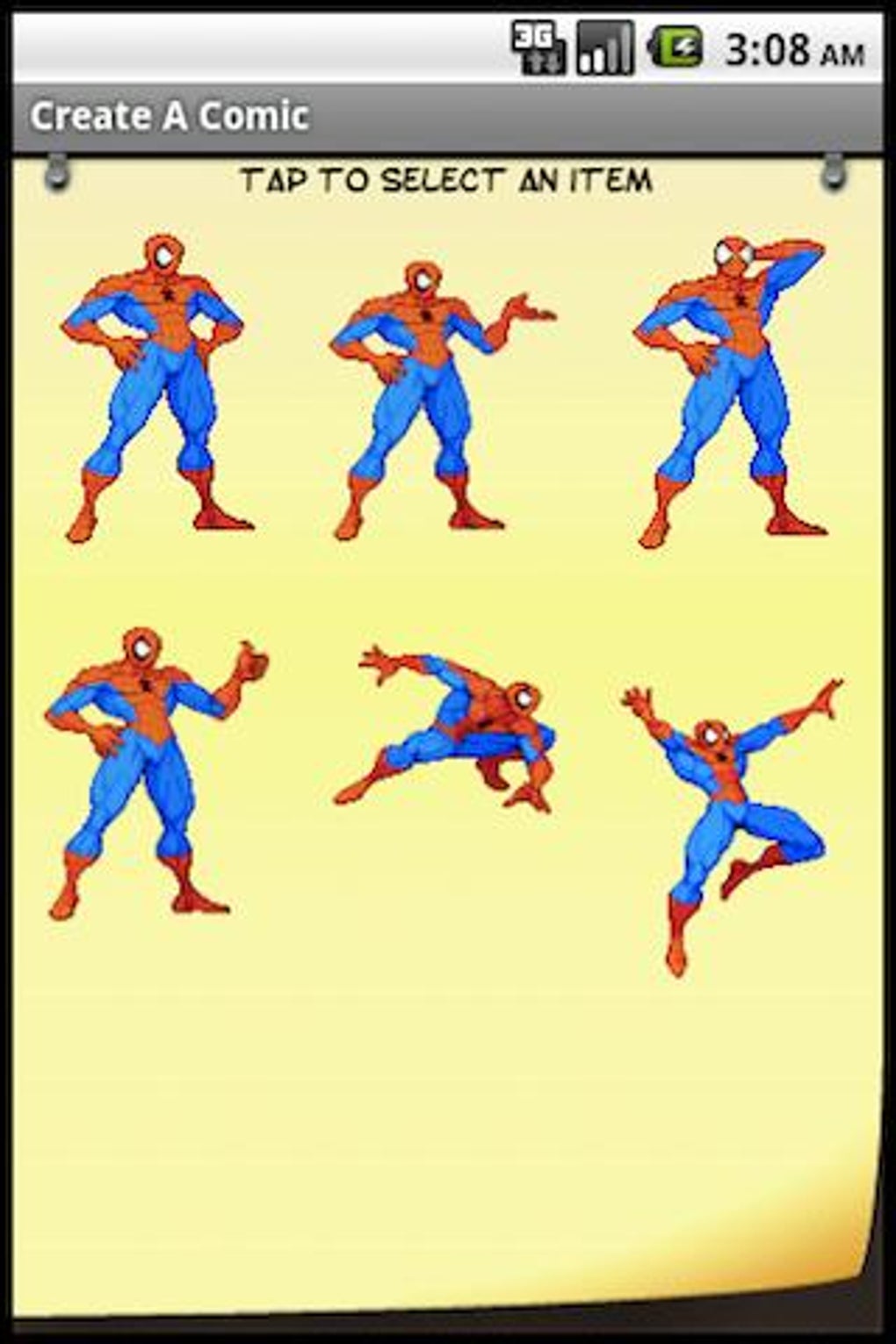
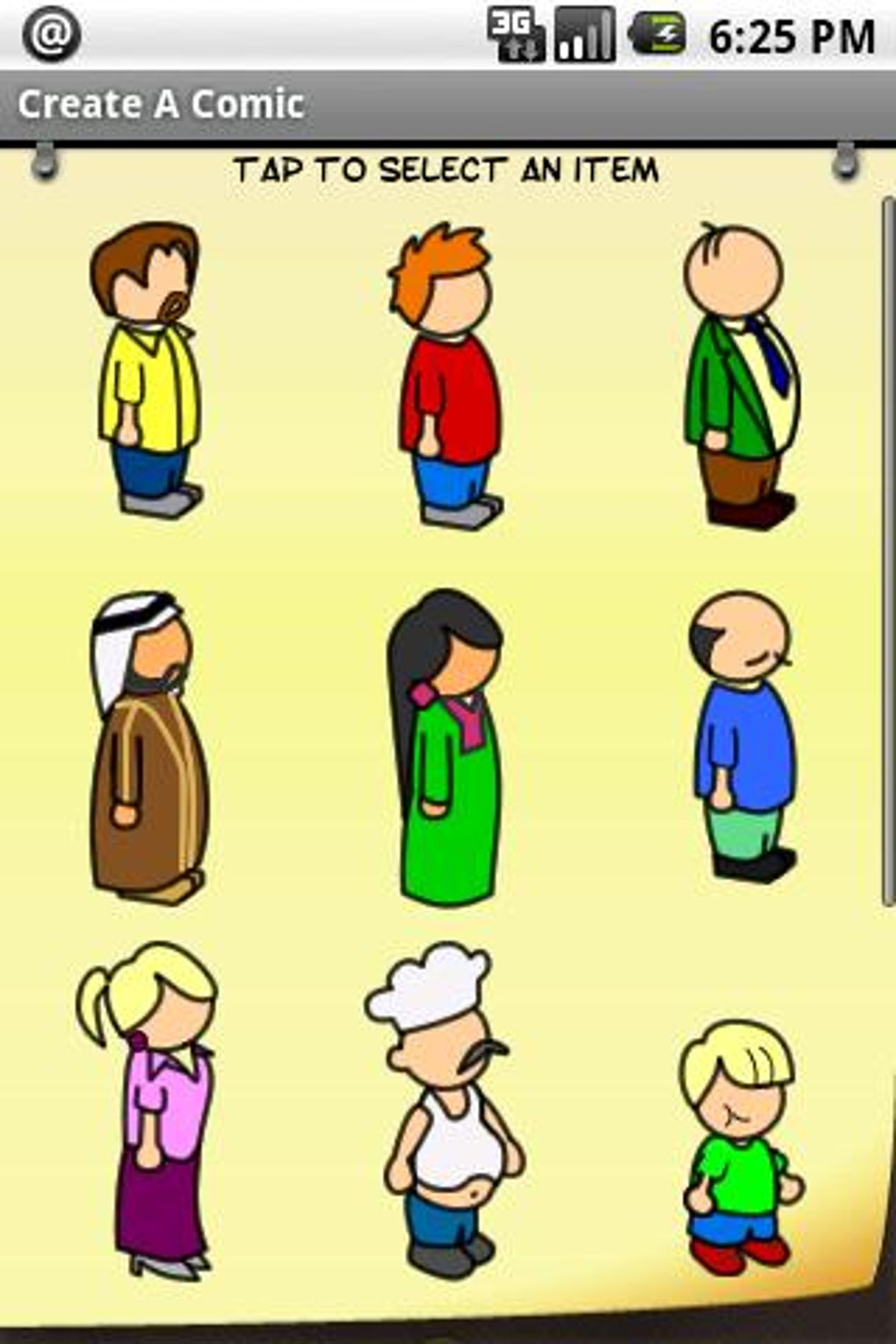
- Pre-built Character Library: Access to a curated collection of cartoon characters, enabling users to quickly populate scenes with expressive figures tailored for humor and storytelling.
- Background and Object Selection: A variety of ready-made backgrounds and props are available, allowing users to set scenes in diverse environments—from everyday locations to fantastical settings.
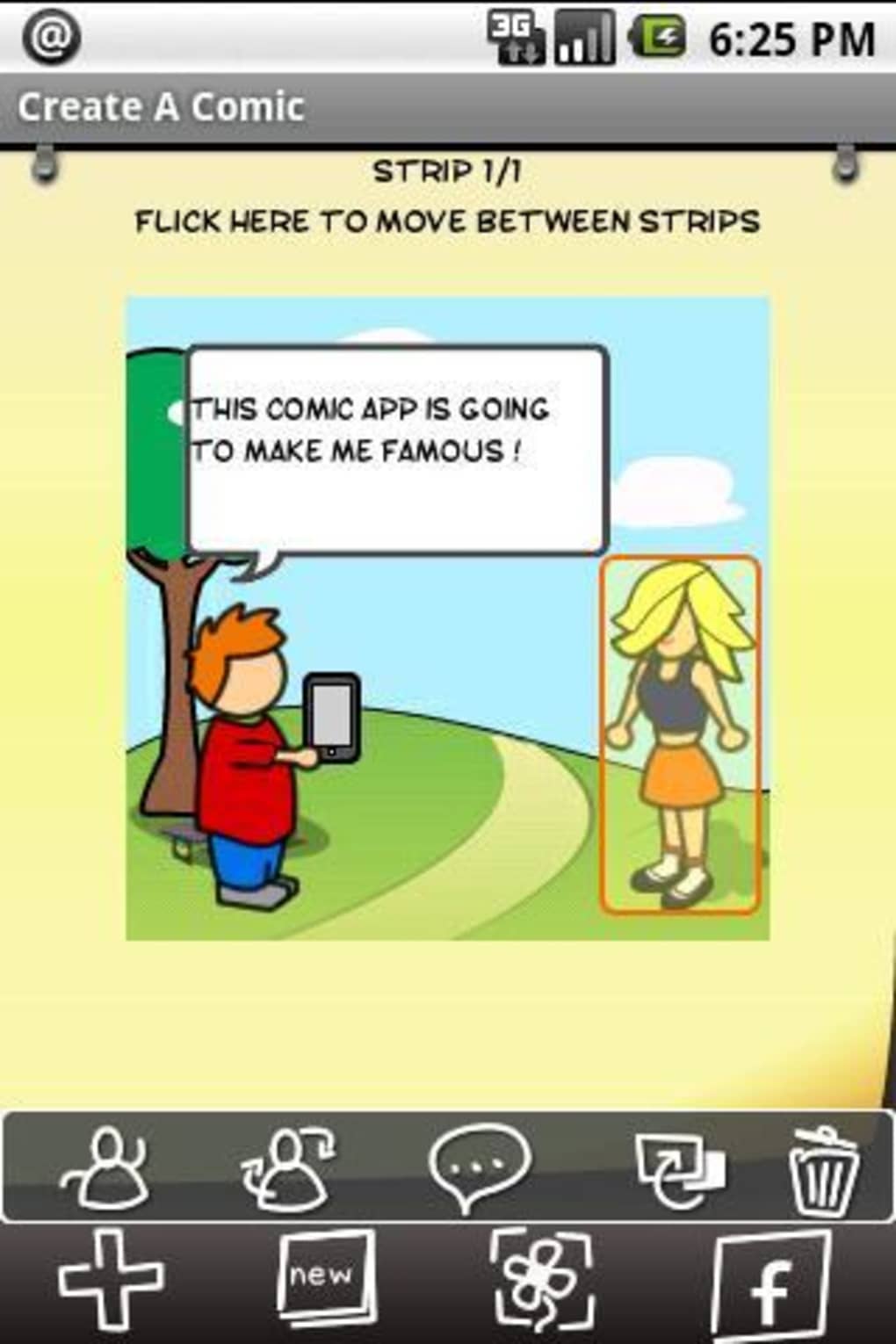
- Speech Balloon Integration: Users can easily insert speech bubbles and thought clouds to convey dialogue or internal monologue, enhancing narrative clarity and comedic timing.
- Scene Assembly Tool: A drag-and-drop interface lets users combine characters, objects, and backgrounds into cohesive comic panels with intuitive layout control.
- Instant Sharing Options: Completed comics and memes can be exported and shared directly to social media platforms or messaging apps, supporting rapid content distribution.
- In-App Chat Room: A built-in community space allows users to interact, share creations, and engage in discussions around new and trending content.
These features collectively support a seamless workflow from concept to publication. For example, a user might select a superhero character, place them in a kitchen background, add a speech balloon saying “I’m out of coffee,” and share the result instantly. The integration of community interaction encourages creative collaboration and helps sustain user engagement over time.
User Interface, Workflow & Performance
The user interface of Comic and Meme Creator is designed around simplicity and accessibility, prioritizing ease of navigation for users of all experience levels. The layout appears to follow a linear workflow: select a character, choose a background, add objects and speech balloons, then finalize and share. This structure minimizes cognitive load and reduces the learning curve for new users.
Navigation is likely based on tabbed menus or swipeable panels, allowing quick access to different tools and content libraries. The drag-and-drop functionality suggests a responsive touch interface optimized for mobile devices. While specific performance metrics such as CPU or RAM usage were not provided, the app’s 15 MB file size indicates a lightweight footprint, which typically correlates with efficient resource management.
General software behavior patterns suggest stable operation under normal usage conditions. The developer did not specify resource usage details, so performance observations are based on typical behavior for similar lightweight Android applications. Stability and responsiveness are expected to be consistent, especially on devices meeting standard Android requirements.
Compatibility & System Requirements
Comic and Meme Creator is designed for Android devices and runs on version 1.1 of the application. The installation size is 15 MB, which is compact and suitable for devices with limited storage space. The app is optimized for mobile use, making it accessible on smartphones and tablets.
Platform compatibility information is limited to Android, with no details provided about specific device models or minimum hardware requirements. The developer did not specify supported Android versions or required processor or memory specifications. Exact system requirements were not listed, and compatibility with older or newer Android releases remains unclear. Users are advised to ensure their device meets general Android functionality standards for app installation and operation.
Pros and Cons
Pros
- Free to download and use, making it accessible to a broad audience.
- Intuitive interface suitable for users with no prior design experience.
- Pre-loaded library of characters and backgrounds reduces setup time.
- Supports instant sharing to social media platforms.
- Includes an in-app chat room for community interaction and feedback.
- Lightweight installation size (15 MB) ideal for low-storage devices.
Cons
- Limited customization options for characters and backgrounds may restrict advanced users.
- No information on offline functionality or cloud backup features.
- Exact system requirements and performance behavior were not specified.
- App version 1.1 may lack advanced editing tools or export formats.
- Community features depend on active user participation, which may vary over time.
FAQ Section
Is Comic and Meme Creator available for iOS devices?
The app is currently available only for Android. No information was provided about iOS compatibility or future releases.
Can I use Comic and Meme Creator offline?
While the app includes offline creation capabilities, specific details about offline functionality were not disclosed by the developer.
Is the app safe to download and install?
Comic and Meme Creator is distributed as a free APK for Android. Users should download from trusted sources to minimize security risks. The developer, T2G Studio, is listed as the provider, but no third-party verification was provided.
How often does the app receive updates?
The current version is 1.1, released on July 20, 2024. The update frequency has not been specified by the developer.
What types of content can I create with this app?
Users can create comic strips and meme images using a library of characters, backgrounds, objects, and speech balloons. Completed creations can be shared via social media or the in-app chat room.
Final Thoughts
Comic and Meme Creator delivers a streamlined, enjoyable experience for users looking to generate funny, shareable content on the go. Its free access, lightweight design, and integrated community features make it a strong choice for casual creators and social media users. While advanced customization and technical details are not available, the app excels in simplicity and immediate usability.
Those who value quick, fun content creation and want to engage with a like-minded community will find the app particularly beneficial. The combination of pre-made assets, easy sharing, and a built-in chat room supports a dynamic and interactive experience.
Download Comic and Meme Creator now




.png)


